
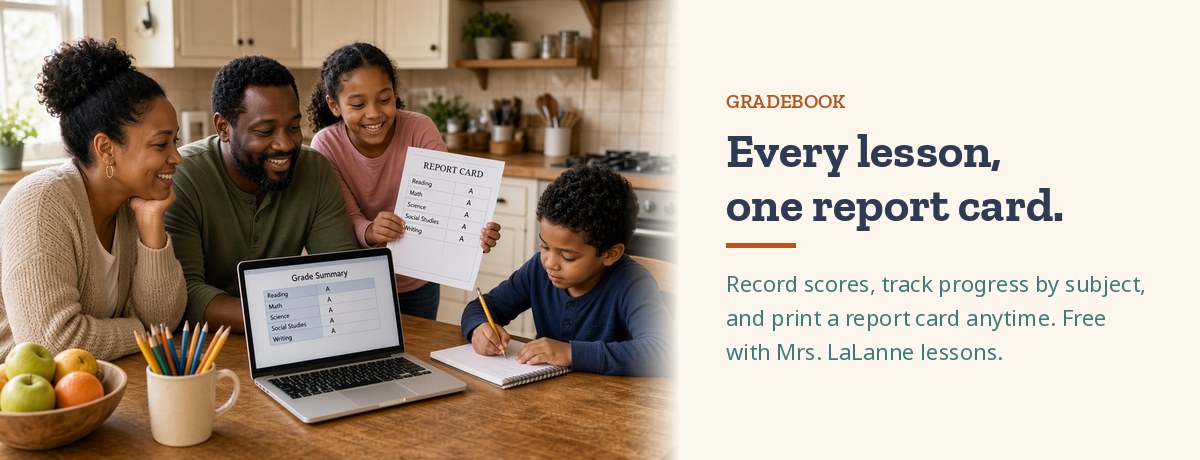
Keeping track of how your kids are doing shouldn’t take a spreadsheet and a stack of sticky notes. Our gradebook gives you one simple place to record scores and see progress.
It’s free to use with Mrs. LaLanne lessons. When you buy a lesson, its assignments and tests can be added to your child’s report card.
Your gradebook


How it works
- Pick a lesson for your child. When you buy a Mrs. LaLanne lesson, choose which child it’s for, and its assignments and tests are added to their gradebook.
- Enter scores. On the Teacher Dashboard, pick a child and record scores for their assignments and tests.
- Check the report card. Grades show up on the Report Card by subject, ready to view or print.
Questions about the gradebook? Get in touch.